

Livewell and aerator timer wiring
How to Wire a Timer Pod for a Livewell or Aerator
By New Wire Marine Technical Team Updated October 5, 2026
A Timer Pod lets a livewell or aerator cycle automatically, so you do not have to keep switching the pump on and off by hand.
This guide shows the terminal connections used in the New Wire Marine Timer Pod kit and explains what to expect in Manual and Auto modes. The kit is preassembled for installation and is available with Contura V or Contura XIV rockers in four backlight colors.
When you are finished, Manual should run the pump continuously, while Auto should run it for one minute and pause it for three minutes.
Watch the project
Wire and test the Timer Pod kit
The video walks through the terminal assignments, the switch-harness connections, and the difference between Manual and Auto operation.
How to wire the Timer Pod
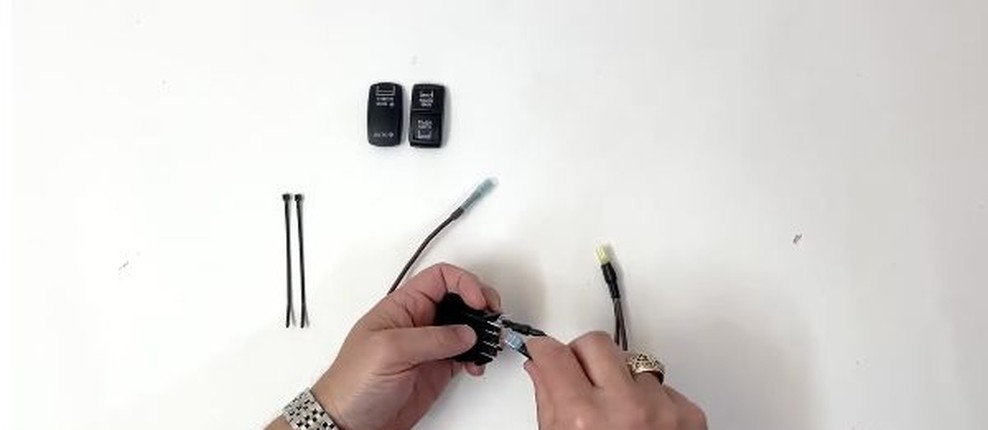
Step 1
Connect the negative lead to terminal 7
Find terminal 7 on the switch and connect the Timer Pod negative lead. Make sure the connector is fully seated and the wire is not under tension.
Step 2
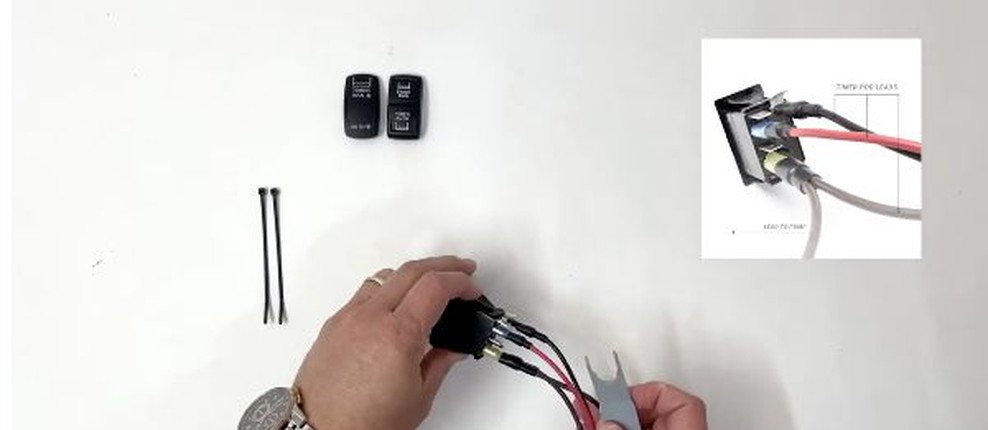
Connect positive to terminal 1 and brown to terminal 3
Connect the Timer Pod positive lead to terminal 1. Then connect the brown Timer Pod lead to terminal 3. Recheck all three Timer Pod connections before moving to the switch harness.
Step 3
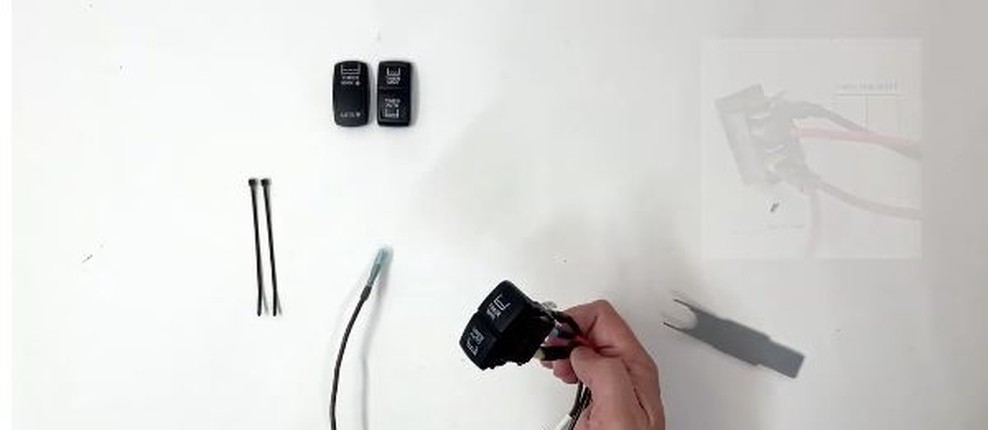
Complete the switch-harness connections
At the switch harness, connect positive to terminal 2, the backlight trigger to terminal 8, and negative to terminal 7. Check the numbered terminals again before restoring power.
Step 4
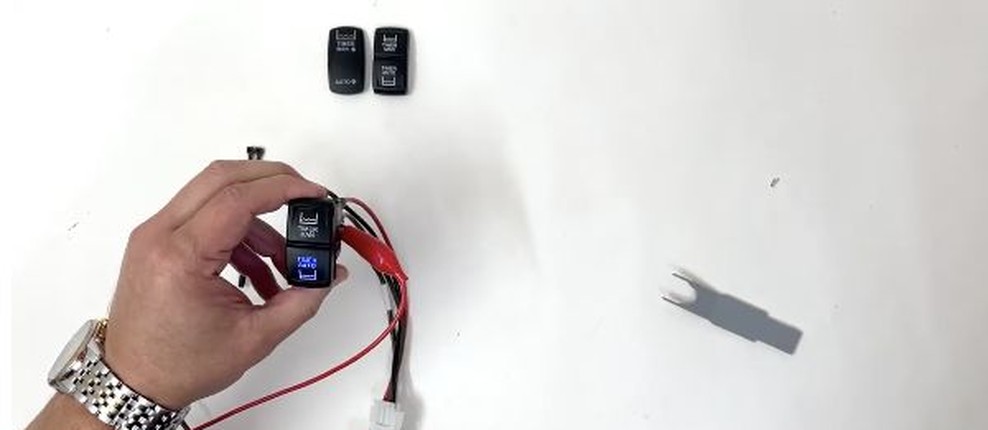
Restore power and test Manual and Auto
After checking and securing the connections, restore power. In Manual, the pump should run continuously. In Auto, it should run for one minute and turn off for three minutes. The indicator light turns off during the off portion of the Auto cycle.
Use Manual when you want continuous operation
Manual keeps the livewell or aerator running until you move the switch out of Manual. Use it when continuous pump operation is needed.
Use Auto for a repeating cycle
Auto runs the pump for one minute, then turns it off for three minutes before repeating the cycle. The indicator light follows the operating cycle and turns off during the pause.
Choose the rocker style and backlight that match your panel
The Timer Pod kit comes preassembled and is available with Contura V or Contura XIV rockers. Confirm the rocker style and backlight color before ordering.
Products for this project
Choose the Timer Pod kit and the right installation tools
Choose the Contura V or Contura XIV kit to match your panel. A handheld multimeter helps confirm power and diagnose a problem, while a double-crimp tool is useful when the boat-side installation requires marine-grade crimp connections.


Frequently asked questions
What does the Timer Pod do?
It adds Manual and Auto control for a livewell or aerator. Manual runs continuously. Auto repeats a one-minute-on, three-minute-off cycle.
Which terminal receives the Timer Pod negative lead?
The Timer Pod negative lead connects to terminal 7. Confirm the number molded into the switch body before making the connection.
Where do the positive and brown Timer Pod leads connect?
The positive Timer Pod lead connects to terminal 1, and the brown lead connects to terminal 3.
How is the switch harness connected?
At the switch harness, positive connects to terminal 2, the backlight trigger connects to terminal 8, and negative connects to terminal 7.
Why does the indicator light turn off in Auto?
The light turns off during the three-minute pause in the Auto cycle and comes back on when the pump runs again.
When should I stop and get professional help?
Stop if the existing wiring is damaged, undocumented, different from the supplied instructions, or beyond your ability to identify and test safely. A qualified marine electrician can verify the circuit before power is restored.
Keep learning
How to Wire a Boat
Follow the complete 12V circuit from the power source to the load and back through the negative return.
Rocker Switch Wiring Diagrams
Review available switch wiring information before moving a connection.